Features / 01
Your pages are in here somewhere.
We thought putting them somewhere obvious might be worth trying. Pagekeeper's fictional page list shows a useful starting point: recognisable titles, clear states and an obvious route to the content.
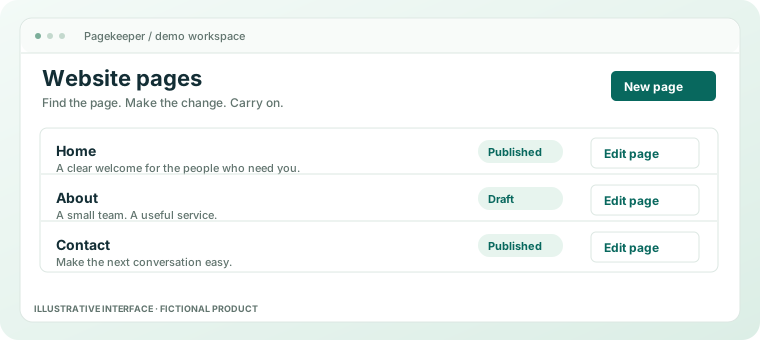
Everyday website management
Find the page. Understand the job. Make the edit.
Good page organisation begins with names people recognise, rather than the internal vocabulary of whichever extension arrived last.
- 01
Name pages for their purpose
A service, an opening time or a useful piece of advice is easier to recognise than a template number. Write titles that help the next person find the right place.
- 02
Look before you change
Check what the visitor sees and what the page should achieve. A label in an editor is useful; the page itself is the final reference.
- 03
Keep the next step clear
Make the intended edit, review it and decide when to publish. You came to update a page, not conduct dashboard archaeology.
A little clarity goes a long way.
What belongs in the page list?
The pages that help visitors understand and use the business. Give each one a clear purpose and a title a colleague could find without local folklore.
Does a tidier list organise the content for me?
No. People still decide what a website needs, which pages matter and when old content should change. This illustration demonstrates a clearer place to do that work.
Find the page. Leave the scavenger hunt behind.
See how editing and publication fit around an ordinary content change.