Features / 02
Click publish. That's the exciting bit.
Write the change, review it and decide when it belongs on the website. Pagekeeper imagines a publishing journey with a clear finish. No ceremonial clearing of caches required.
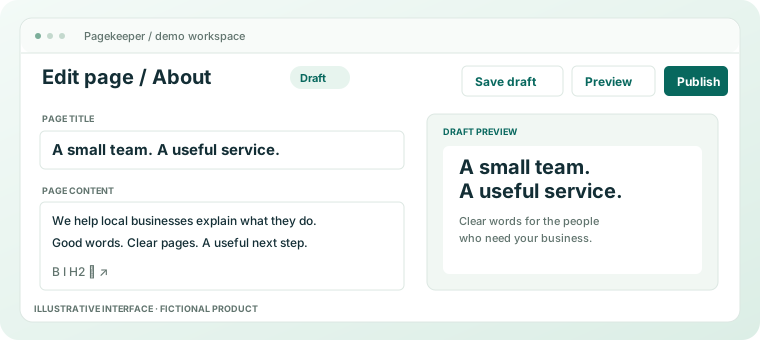
Everyday website management
A small edit deserves a small workflow.
Keep writing, review and publication distinct enough to understand, without treating every sentence like a product launch.
- 01
Write something worth publishing
Say what the visitor needs to know. Give the page a clear heading, check the useful details and link to the next sensible step.
- 02
Review the result
Read the whole page, follow its links and look at a narrow screen. A preview is a chance to notice the thing you stopped seeing while you were writing.
- 03
Make publication deliberate
Publish when the change is ready. Then check the public page so the task ends with a result, rather than a cautiously optimistic browser tab.
From draft to visitor
A preview should answer a question.
Does the page say the right thing, in the right place, to the right person? That is a more useful review brief than 'give it a quick look'.
Keep unfinished changes out of the conversation
Review wording and layout before asking visitors to act on them. Agree who makes the final publication decision.
Treat publication as the start of the final check
Open the public page and follow the intended journey. This demonstration makes no claim about cache control, approval automation or publishing guarantees.
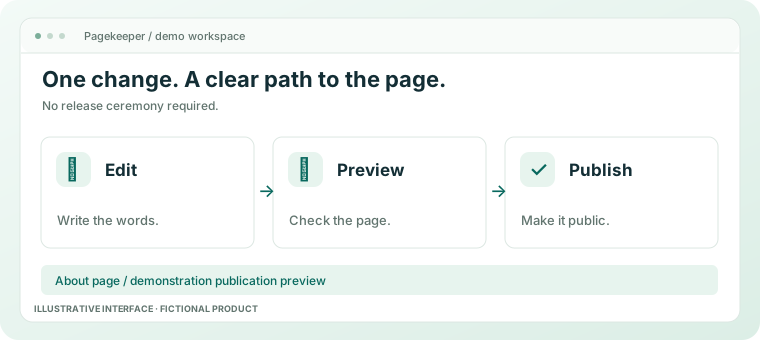
An ordinary edit. A visible result.
Read a practical guide to publishing without making an afternoon of it.