Features / 03
Updates shouldn't be an extreme sport.
A useful view of website work begins with knowing what needs a person, what can wait and who is taking the next step. Pagekeeper illustrates the idea without pretending to monitor or maintain a real website.
A practical way to think
Turn a vague worry into a useful next step.
Give the task a name
An old opening time, a broken link or a page that needs a rewrite is something a person can act on. 'Sort the website out' is more of a long-term relationship.
Decide what matters first
Start with anything preventing a visitor from understanding or contacting the business. A decorative adjustment can usually wait its turn.
Leave a clear handover
Write down the page, the change and the person taking it forward. The next colleague should not need to reconstruct the plot from browser history.
An illustrative overview
A short list beats a permanent background worry.
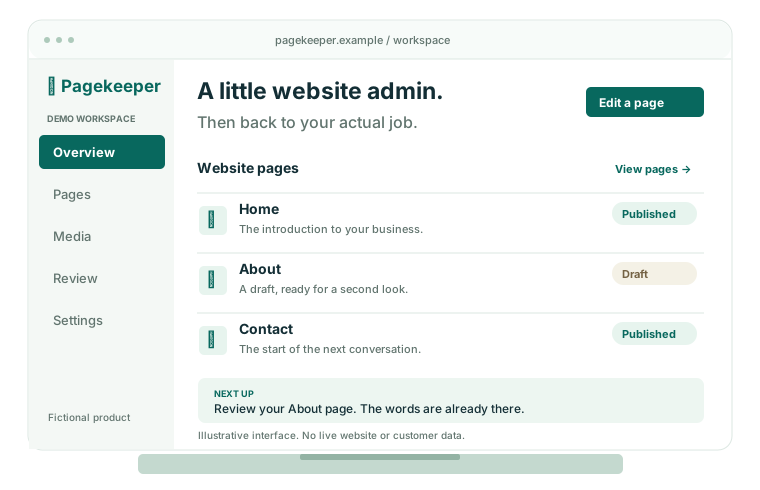
The Pagekeeper workspace represents a place to start the day's website tasks. The decisions still belong to the people who understand the business.
Review the pages that matter
Check key contact details, service descriptions and useful links as part of your actual maintenance process.
Separate content work from specialist work
A content edit and a software security issue need different decisions. Use a qualified provider for tasks outside your team's responsibility.
What this example does and does not do.
Does Pagekeeper monitor my website?
No. Pagekeeper is fictional, and these illustrations are not connected to a real website. There is no live monitoring, alerting, backup or automated security-update service here.
Can this replace a maintenance plan?
No. A clear task list helps people coordinate work. It does not replace an appropriate maintenance agreement, verified backups or specialist technical advice for the actual website.
Your website can be a job on the list. It need not be the whole list.
Explore the other ways this fictional product approaches everyday website work.